AFS
Attention File Synchronizer
The file server and Fylr, in step
Synchronises a directory on the file system — and everything beneath it — with Fylr. New files are discovered and created automatically, and if the source is changed or renamed, the record in Fylr follows. Creative users can keep working where they are used to working.
Features
- Automatic discovery of new files in the directory tree
- Changes and renames carry through to the record
- Metadata points back to the source file
- File server internally, Fylr for external distribution
- Users can work from either side
- Works with Windows file servers
About the product
There are usually two kinds of people around a media bank. The ones producing the material would rather stay in their own software, on the drive they know. The ones who have to find and share it want it in Fylr. AFS means they do not have to agree.
How it works
AFS watches a directory on the file system and everything below it. When a new file appears, it is created as a record in Fylr. If the source file is later changed or renamed, the record is updated to match — no duplicate appears, and the link holds.
Each record carries metadata pointing back to the original file, so it is always clear where something came from.
What it is used for
The most common setup is that the Windows file server is used internally in production while Fylr handles distribution outward. The designer saves to the folder as always; the communications team and external partners collect from Fylr.
It works the other way too: material added to Fylr can be made available on the drive that production works from.
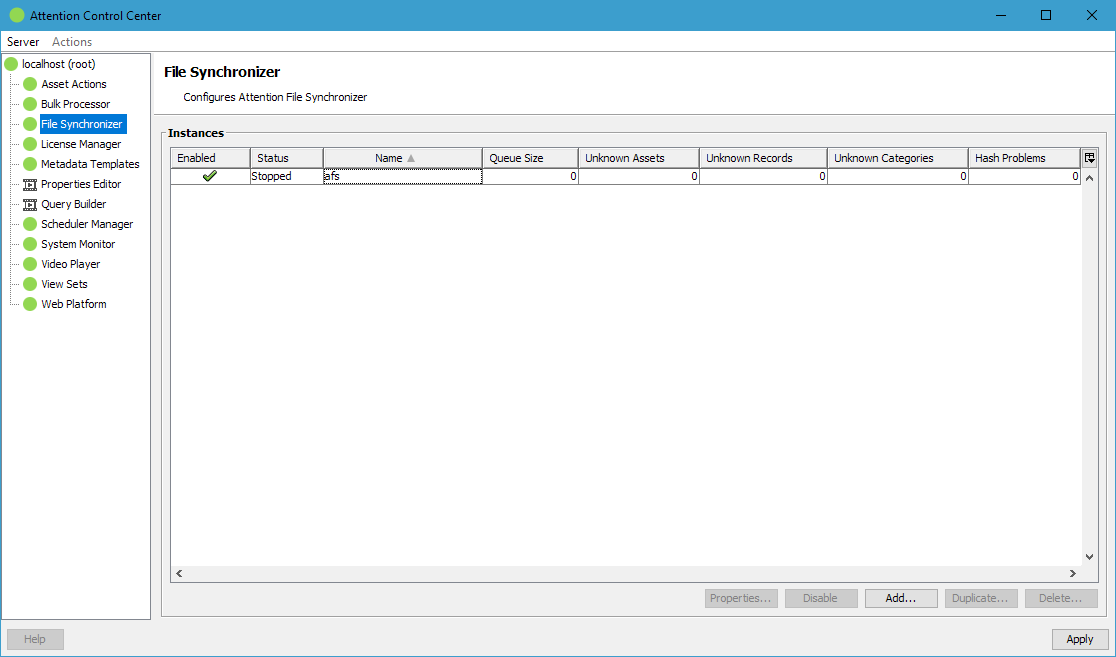
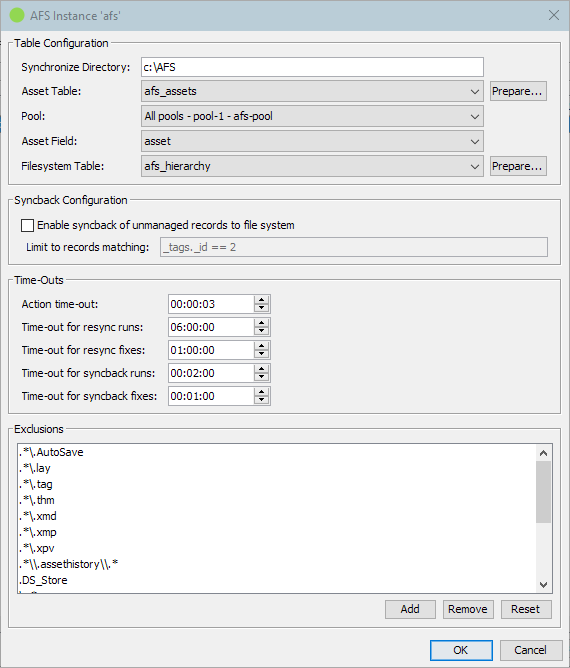
Screenshots
Other products
Shall we take a look at your files?
An informal meeting is usually the fastest way to find out whether a DAM makes sense for you - and what it would take.