
License Manager
The License Manager downloads and installs the license required for all Attention products. After installing the plugin a node for the License Manager is available:
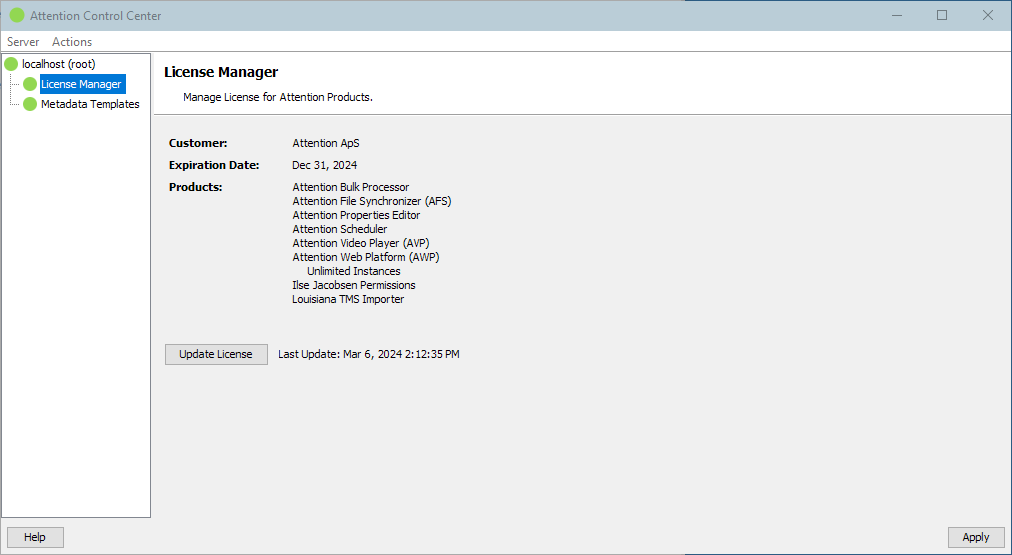
Clicking the Update License button will download the latest license. The license is automatically installed and the user interface lists all contained products, product options and the expiration date of the license. Make sure the you either update the license again before the expiration date arrives or use the Scheduler: License Updater plugin to keep the license up-to-date automatically.
If ACC is running inside a secured environment where no connection to the Attention license server is possible you can also use the Actions → Paste License menu item to install the license manually.